Inputs and models
Results depend on the projectile, velocity, distance, scope, and environmental values supplied by the user, using the model identified by each tool.
Field-ready precision
SC Ballistics calculates trajectories and energy, compares projectiles, analyzes groups, scores targets and organizes your reloading recipes.
Platform
iOS · Android
Mode
Offline
Lang
05
// About / Mission
Designed specifically for beginners and intermediate shooters who want practical results without complexity. A simple interface, quick calculations, and results that are easy to interpret for common sport-shooting scenarios. No PhD in ballistics required.
01
3 Taps
Scope Zeroing
02
100%
Offline
03
Quick
Calculations
// Methodology / Transparency
SC Ballistics is produced and maintained by Strike Coded Bootcamp. The app turns the values you enter into practical estimates; it does not replace manufacturer data, qualified instruction, or confirmation at the range.
Results depend on the projectile, velocity, distance, scope, and environmental values supplied by the user, using the model identified by each tool.
Treat trajectory and scope adjustments as a starting point. Confirm them progressively on a safe range before relying on them.
Unit conversions follow the International System of Units. Reloading and firearm safety data must come from the relevant manufacturers.
Maintained by Strike Coded Bootcamp: developer@scb.center · Last reviewed:
// Capabilities / 06
For Beginners and Intermediates
Turn complex ballistic formulas into practical results. Enter your setup data, get a trajectory estimate, and validate it at the range.
A guided scope-zeroing workflow for beginners and intermediate shooters. Record the point of impact and receive a suggested correction in just three taps.
Works completely offline for maximum privacy and field reliability. No internet connection required - perfect for remote hunting locations and shooting ranges.
Built specifically for real-world shooting scenarios. Large buttons, clear displays, and simplified workflows that work perfectly even with gloves or in challenging conditions.
Calculate the kinetic energy of the projectile at the barrel exit with practicality and consistency. Results presented in Joules (J), foot-pounds (ft·lb) and Power Factor (PF).
Evaluate your projectiles with guided sampling process: weigh, measure and record key parameters in minutes. Discover deviations that can affect grouping.
// Toolkit / Standard issue
Discover all professional tools available in SC Ballistics
10+ MODULES
ANDROID · iOS
A tool that estimates quantities related to projectile motion from the inputs provided. SC Ballistics brings these features together in an Android and iOS app; only energy calculation is available online on this website.
Kinetic energy depends on mass and velocity: E = ½ × m × v². With mass in kilograms and velocity in metres per second, the result is in joules.
They are estimates of quantities such as projectile energy and trajectory, based on measurements and models. Results depend on the inputs and each tool’s limitations; they do not guarantee performance.
In this website’s energy calculator, select your units and enter measured weight and velocity. Units are converted automatically and results appear in joules and ft-lbf, without installing the app.
Technical guide / Ballistic calculation
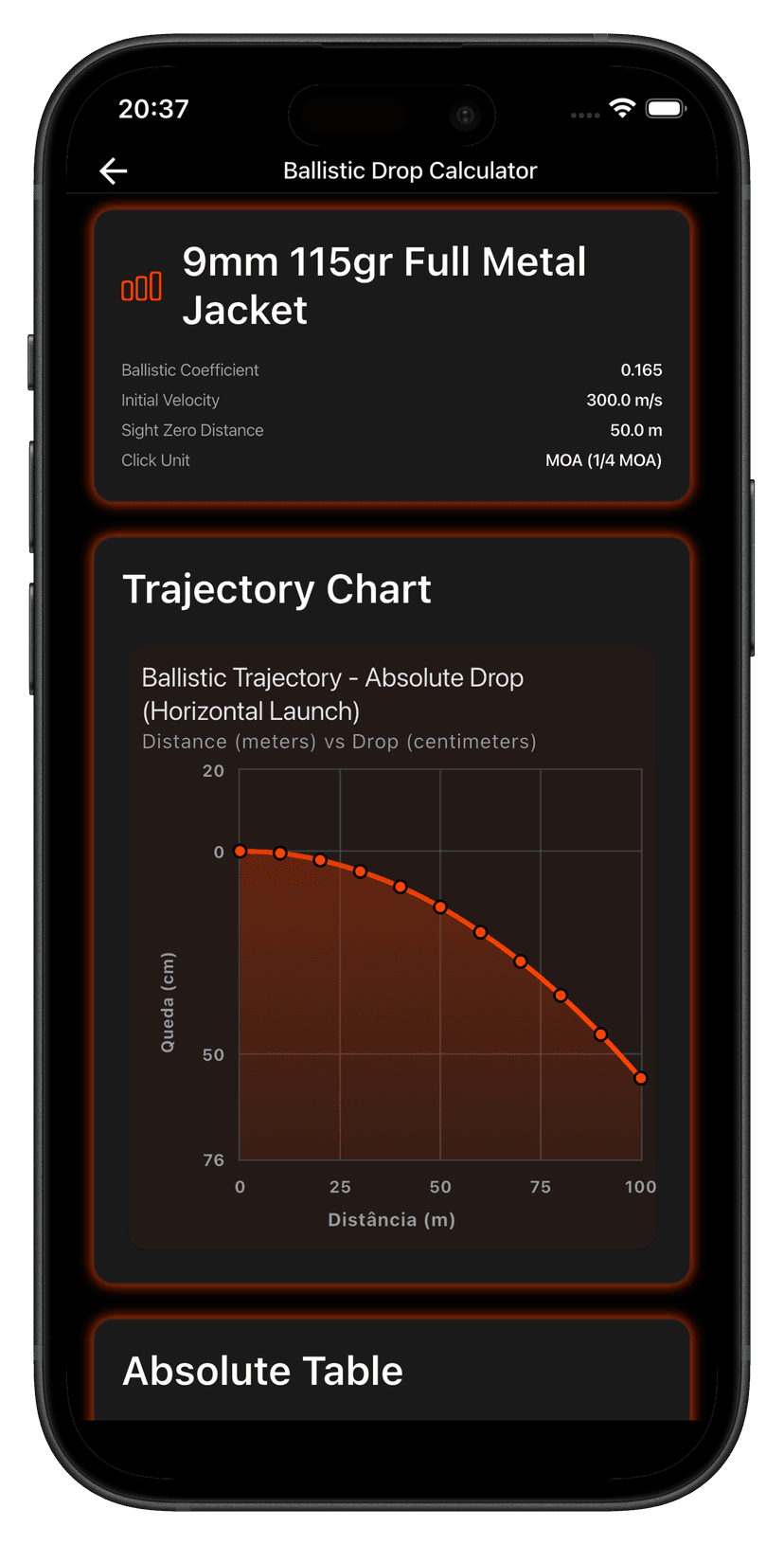
A ballistic calculator estimates projectile trajectory from muzzle velocity, ballistic coefficient, sight height and zero range. In the SC Ballistics app, the drop tool turns those inputs into a bullet-drop and scope-correction table in MOA or MRAD.
IN/01
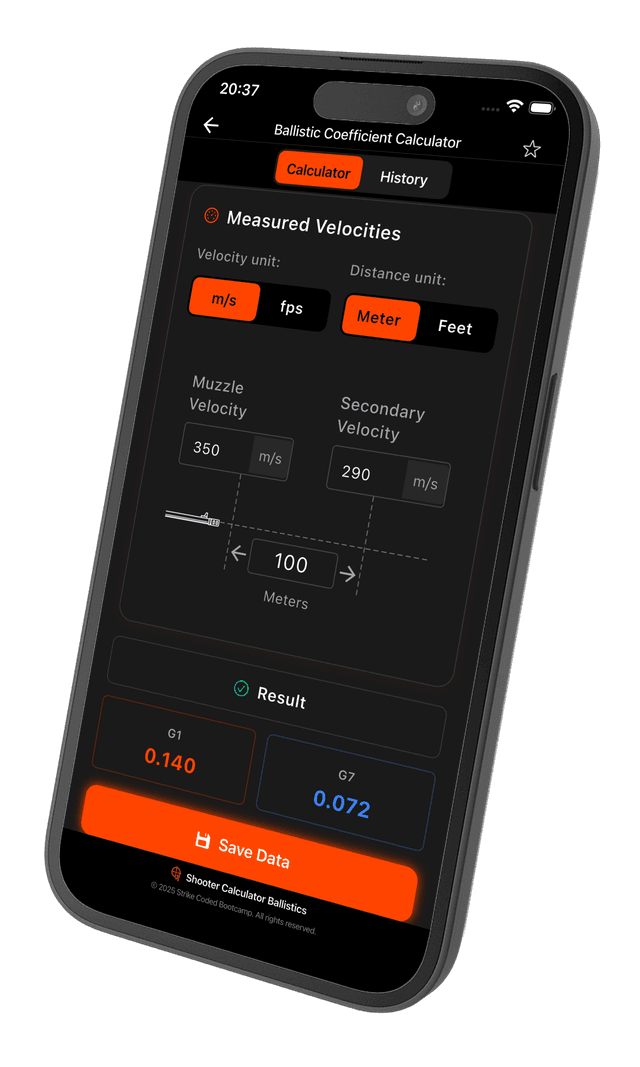
Enter the projectile’s G1 ballistic coefficient and, whenever possible, chronograph-measured muzzle velocity instead of the nominal value on the box. The coefficient can be estimated in the app’s BC calculator from two measured velocities.
IN/02
Measure sight height from the bore axis to the optic center, confirm the true zero range, and select the turret unit. These values turn trajectory into useful scope clicks.
IN/03
Temperature, pressure, altitude and wind change the trajectory, but the drop tool assumes a standard atmosphere and does not calculate wind drift. The further the day’s conditions and the distance move from that baseline, the larger the expected difference on target.
The drop tool uses the G1 drag model with a standard atmosphere. For each distance it shows the drop and the matching value in your scope unit.
Every ballistics calculator produces an estimate from the inputs provided. Lot variation, actual velocity, optic mounting, and weather can shift the point of impact. Confirm zero and trajectory progressively in a safe, authorized environment before relying on the table under different conditions.
Technical content by SC Ballistics · Updated September 30, 2026
Reloading recipes
Record every component, save your favorites and share recipes with the people you reload with.
Caliber, bullet, powder and the details that make a difference.
Send a complete recipe directly from the app.
Mark trusted combinations so they are ready when you need them.

// Signature feature / 05
Evaluate your shot consistency
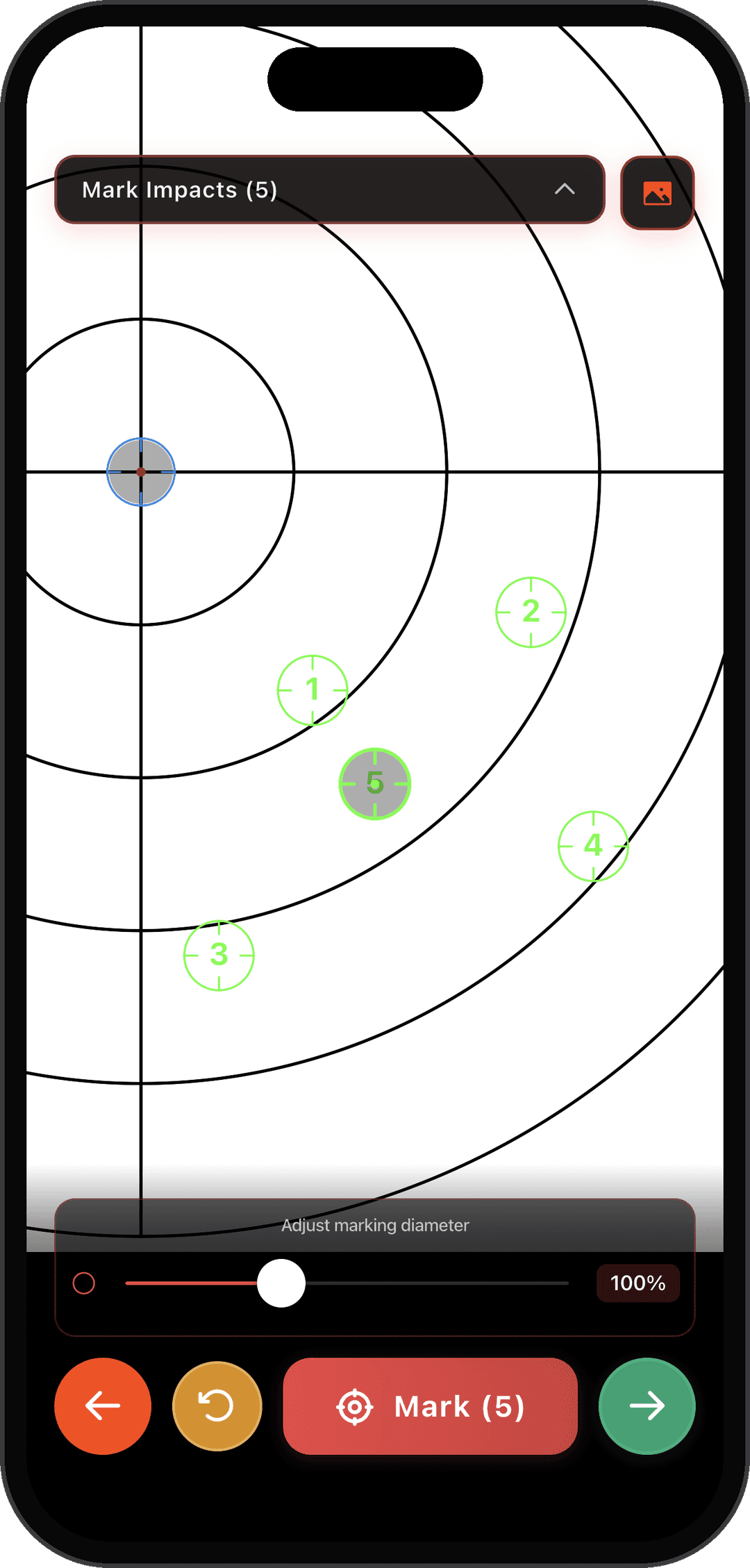
01 / Mark impacts
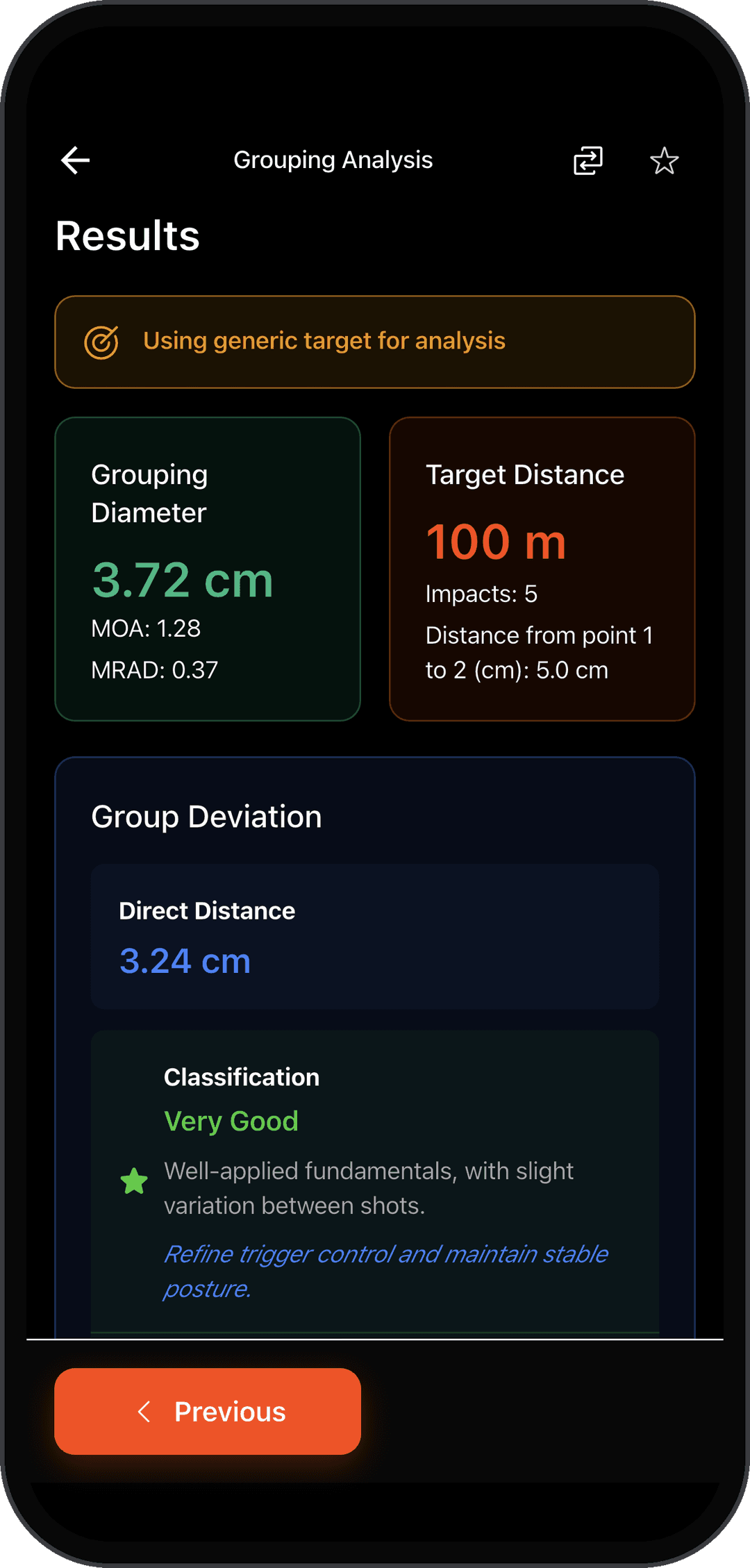
02 / Read result
You mark impacts manually in the app; there is no automatic hole detection. The measurements below are examples from the screenshots, not results calculated on this website.
See how analysis works in the app →Diameter
3.72 cm
Caliber
.308
Winchester
Distance
100 m
5 shots
Center deviation
3.24 cm
// Field log / Screens
Intuitive interface, modern design and powerful tools at your fingertips
SCR/00
View →Video Demo
See the app in action with all features
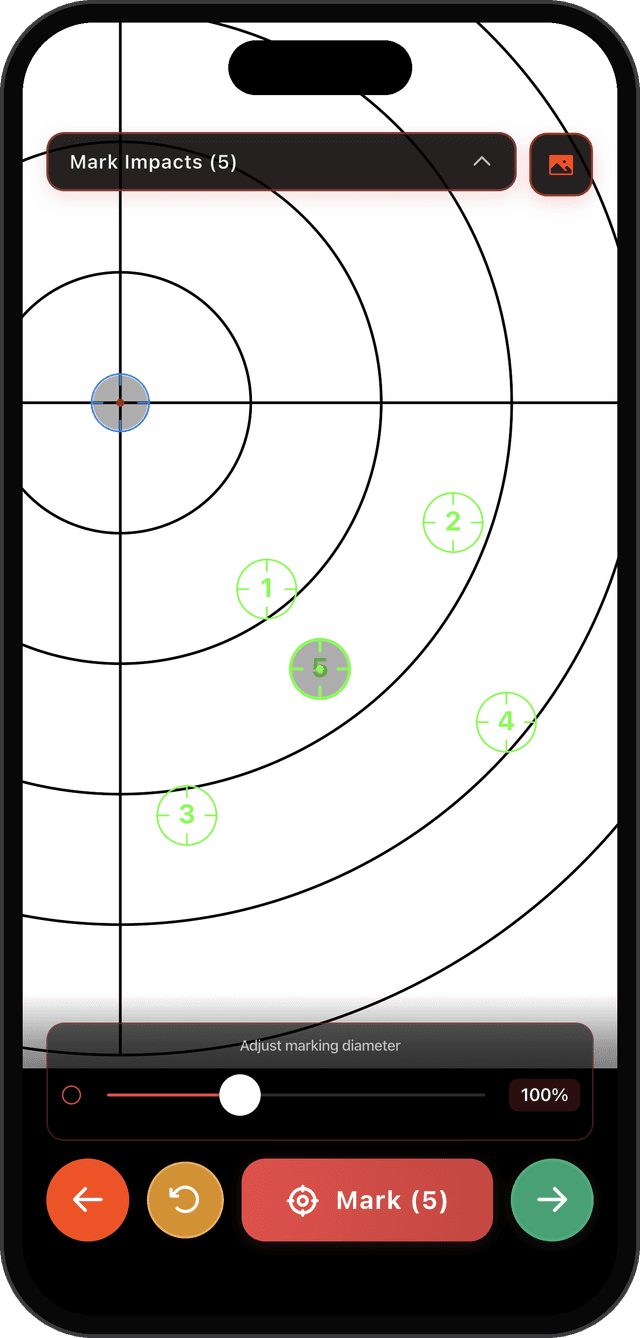
// Target user / Operator
Quick & practical calculations designed for field conditions. Get accurate results without complex formulas or advanced technical knowledge.
Quick ballistic calculations in seconds
3-tap scope zeroing system
Works 100% offline - maximum privacy
Large buttons for field conditions
Clean interface without distractions
Photographic grouping analysis
// Regions / Localized
The app is available in the following languages:
// Knowledge base / FAQ
Find answers to the most common questions about SC Ballistics Calculator
Entries indexed
12
// Support / Contact
Need help with SC Ballistics, found an issue, or want to reach the developer? Send your message directly to support.
Support channel
developer@scb.centerUse this email for questions, technical support, feedback, and requests related to the app.
Send email// Deploy / Now available
Use practical tools to calculate, record, and verify your adjustments with SC Ballistics